
Set your defaults
Choose units, construction style, material thicknesses, reveals, and other job settings.
Cabinet workflow · Windows + Mac
Get accurate cut lists in minutes.
Build a job, add cabinets, and create the Parts, Door List, and Drawer Box outputs you need—built for small shops and serious hobbyists.
The first five early-access spots have been filled—I appreciate the support. Cabinet Builder is now available at the standard $29 price.
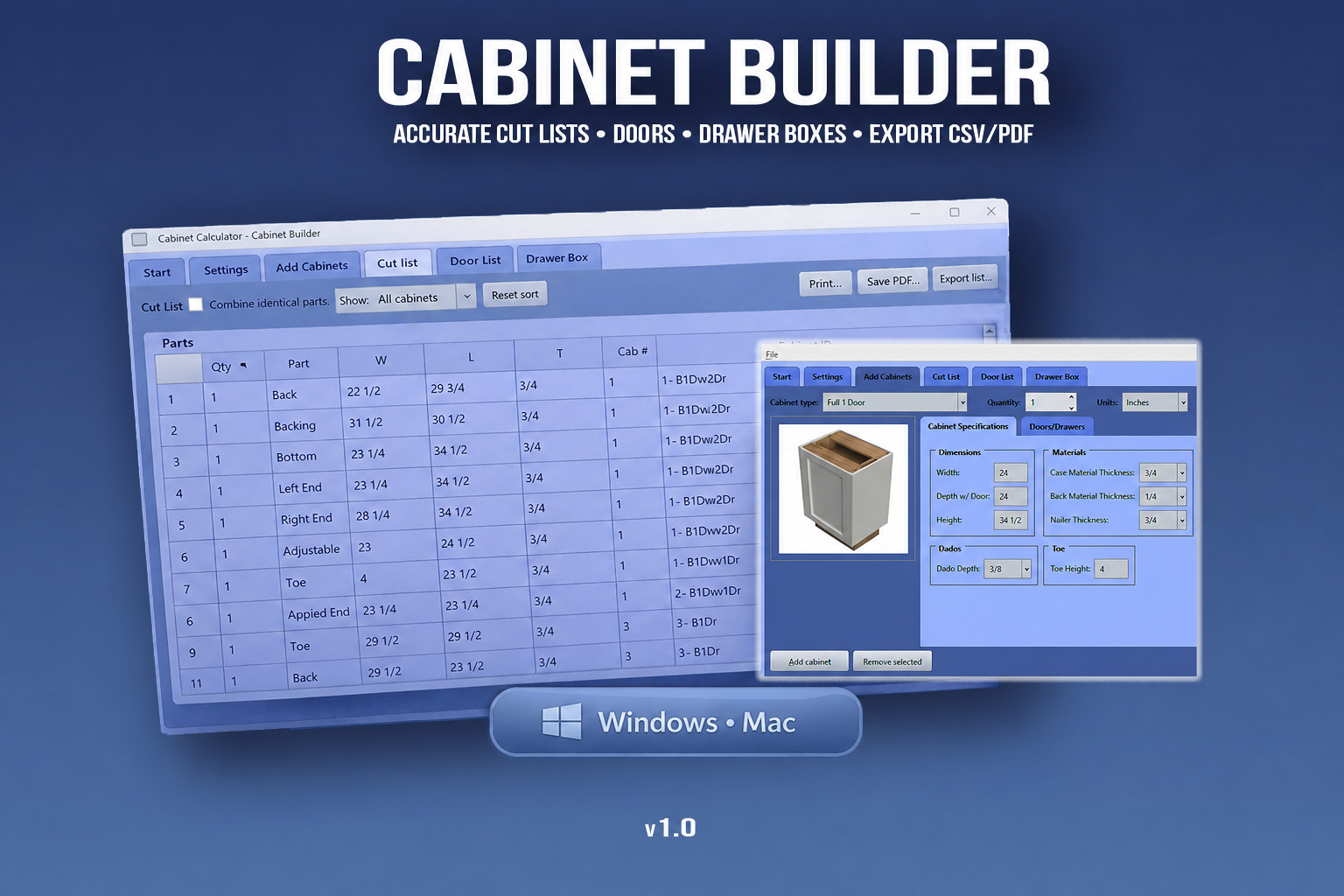
Choose units, construction style, material thicknesses, reveals, and other job settings.
Enter the type, dimensions, and quantity, then repeat for the rest of the job.
Generate Parts, Doors, and Drawer Boxes as CSV or PDF for the shop.
What it does
Cabinet Builder handles the repetitive calculations and keeps the production information together, so your attention stays on the cabinet.
How it works
Choose units, construction style, material thicknesses, reveals, and your other preferences.
Enter the type, dimensions, and quantity, then repeat for the whole kitchen.
Review your Parts, Doors, and Drawer Boxes, then save the lists as CSV or PDF.
See it in action
Before you buy
No—those are full production suites. Cabinet Builder is a practical tool for small shops and DIYers who want accurate cut lists without expensive software.
No. Cabinet Builder runs as a standalone desktop app.
CSV for spreadsheets and other workflows, plus PDF for printing and shop reference.
Yes. Choose your units and Cabinet Builder formats the dimensions appropriately.
Download the zip, extract it to a folder, and run the app. No installer is required.
Ready for the shop?
Cabinet Builder for Windows and Mac.
Purchase for $29 ↗Need help? Contact support.