
Export from Fusion
The included exporter reads the cabinet parts in your Autodesk Fusion model.
Cabinet Optimizer 3.0 · Windows 64-bit
To production cut list.
Cabinet Optimizer 3.0 takes cabinet models created in Autodesk Fusion and turns them into organized, shop-ready production information.
Important: Cabinet Optimizer is not cabinet-design software and does not perform sheet nesting.
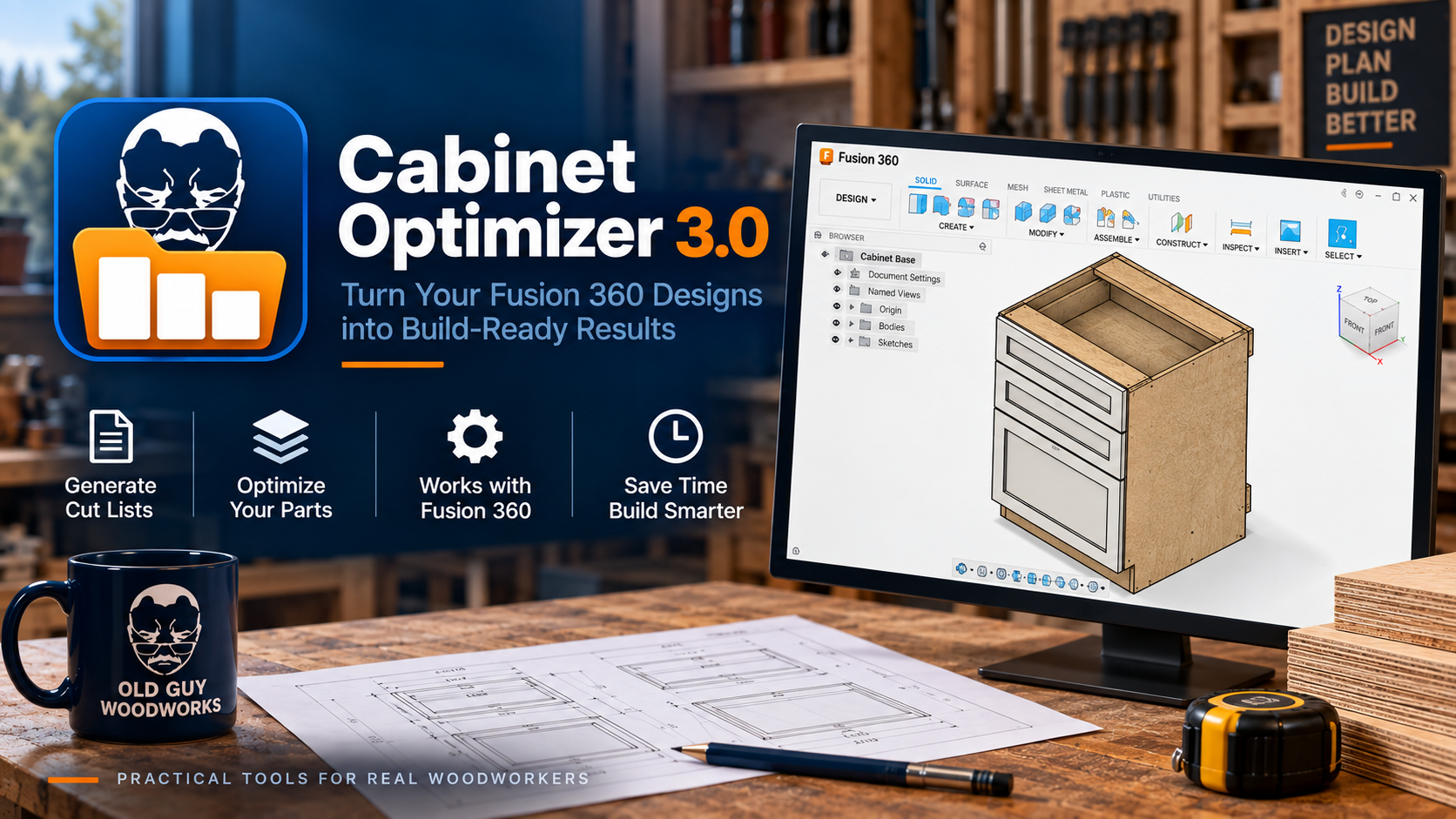
The included exporter reads the cabinet parts in your Autodesk Fusion model.
Sort at three levels and combine like parts into production-friendly lists.
Review finished sizes and export the results as PDF or CSV.
What 3.0 includes
Cabinet Optimizer 3.0 organizes the details needed to move a Fusion cabinet model toward production without turning the process into another spreadsheet project.
The workflow
Use the included Fusion exporter to send cabinet-part information to Optimizer 3.0.
Organize the list your way, combine matching parts, and review finished and manufacturing sizes.
Create a PDF for shop reference or a CSV for the next step in your workflow.
Demonstration video
The product is ready now. The launch and demonstration video can be added here as soon as it is published.
This space is ready for the Cabinet Optimizer 3.0 launch video without delaying the product release.
Before you buy
No. Version 3.0 is a new paid product at $29.99. It is a one-time purchase, not a subscription.
No. It works with cabinet models you have already created in Autodesk Fusion.
No. Cabinet Optimizer creates and organizes production cut lists; it does not lay parts out on sheets.
Cabinet Optimizer 3.0 is a Windows 64-bit application and has been tested on Windows 11.
No. You can install Cabinet Optimizer 3.0 directly without installing version 2.0.
The 3.0 installer detects the legacy installation, lets you choose whether to keep or remove the old Windows application, and safely replaces the identified legacy Fusion exporter.
Your purchase includes Cabinet Optimizer 3.0 and normal maintenance and fixes for the 3.0 release.
Ready for production?
Cabinet Optimizer 3.0 for Windows 64-bit.
Purchase for $29.99 ↗Need help? Contact support.