
Generate cut lists
Create a parts list from cabinet designs in Autodesk Fusion 360.
Legacy Fusion add-in · Free
The original free version.
Optimizer 2.0 remains available for woodworkers who want the original Fusion 360 add-in for generating and exporting cabinet cut lists.
Good to know: Optimizer 2.0 is not required before installing Optimizer 3.0. Version 3.0 is a separate paid product with an expanded production workflow.
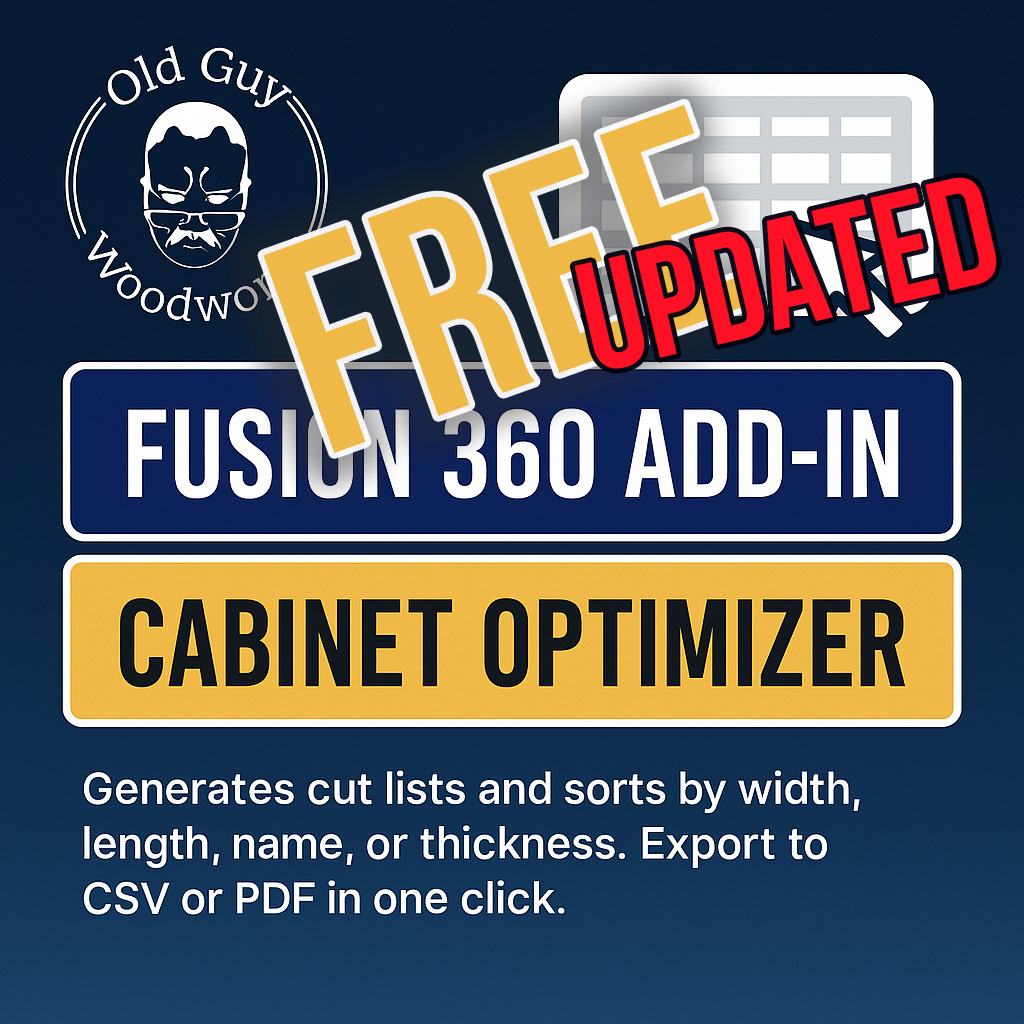
Create a parts list from cabinet designs in Autodesk Fusion 360.
Organize the list by width, length, name, or thickness.
Save the results as CSV or PDF for the next step in your workflow.
What 2.0 does
This is the earlier version of Cabinet Optimizer. It remains available for users who prefer the original workflow.
Choosing a version
Use the legacy Fusion add-in to generate, sort, and export a straightforward cabinet cut list.
Version 3.0 adds the Windows production app, three-level sorting, Combine Like Parts, face-frame parts, finished sizes, drawer-box manufacturing parts, and imperial or metric display.
You do not need to install Optimizer 2.0 before purchasing and installing Optimizer 3.0.
Keep using the original
Cabinet Optimizer 2.0 legacy add-in.
Download Free ↗Need help? Contact support.